
Accessibility
Accessibility at RCC
Riverside City College is committed to providing equitable access to information,
services, and educational opportunities for all students, employees, and community
members. Accessibility is a shared responsibility that helps ensure everyone can access
and engage with RCC's digital content.
Title II of the Americans with Disabilities Act requires public colleges to provide
accessible digital services, programs, and activities. Build accessibility into webpages,
documents, Canvas materials, videos, forms, emails, and social media before they are
shared.
What to Check
- Use clear headings in order.
- Write descriptive links, not "click here."
- Add alt text for meaningful images.
- Use readable tables with header rows.
- Do not rely on color alone to communicate meaning.
- Check color contrast before publishing.
- Use built-in styles for headings, lists, and tables.
- Run the accessibility checker in Word, PowerPoint, Acrobat, or Canvas tools.
- Make PDFs accessible before posting them.
- When possible, place content directly on a webpage or Canvas page instead of uploading a file.
- Give files clear names that identify the content.
- Videos need accurate captions. Auto-generated captions must be reviewed and corrected.
- Audio-only content needs an accurate transcript.
- Check publisher materials, external websites, and required software for accessibility.
- Fix broken links and confirm students can access required materials.
Training and Resources
Use these resources to learn the basics, review common issues, and improve course and office materials.
RCCD Distance Education Resources
- RCCD DE Accessibility Guide - Canvas enrollment required.
- RCCD DE workshops - live training opportunities.
- RCCD DE Video Library - recorded accessibility workshops, webinars, and tutorials.
Recorded Training Topics
- General accessibility: accessibility overview, common pitfalls, accessibility tools, accessible online content, Ally reports, and alt text with Pope Tech.
- Microsoft Office: accessible Word documents, accessible PowerPoint presentations, accessibility and UDL in Word, and accessible flyers in Word.
- PDFs: accessible Adobe Acrobat Pro documents and Adobe Creative Cloud setup.
- Canvas: accessible Canvas content and converting documents into Canvas pages.
Statewide Accessibility Resources
Need Assistance?
If you need help creating accessible content or have questions about digital accessibility, we're here to help.

Web Accessibility
Contact the Marketing Department for RCC website accessibility questions, webpage updates, and public-facing web content support.
In-Class Accommodations
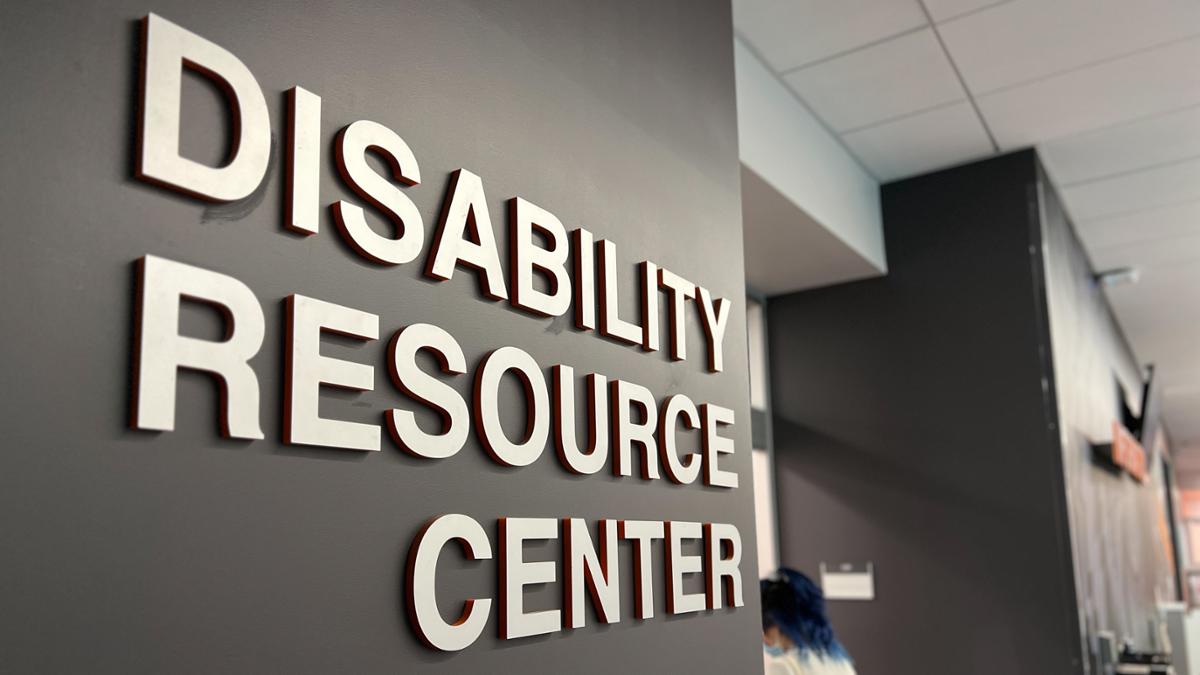
Contact Disability Resource Center for student accommodations, classroom accessibility, and disability-related student support.
Course Content Help
Use RCCD Distance Education accessibility resources for Canvas content, course documents, captions, and online teaching materials.
Keep Accessibility in the Workflow
Accessibility is easiest when it is part of everyday content creation. Check materials before publishing, update older content as it is reused, and ask for help early when a document, video, or webpage needs remediation.
